> ## Documentation Index
> Fetch the complete documentation index at: https://lexi-doc.devoscape.com/llms.txt
> Use this file to discover all available pages before exploring further.
# Get Started
## Create a New Ticket Form
To connect a ticket form with your AI Chatbot, you first need to create one
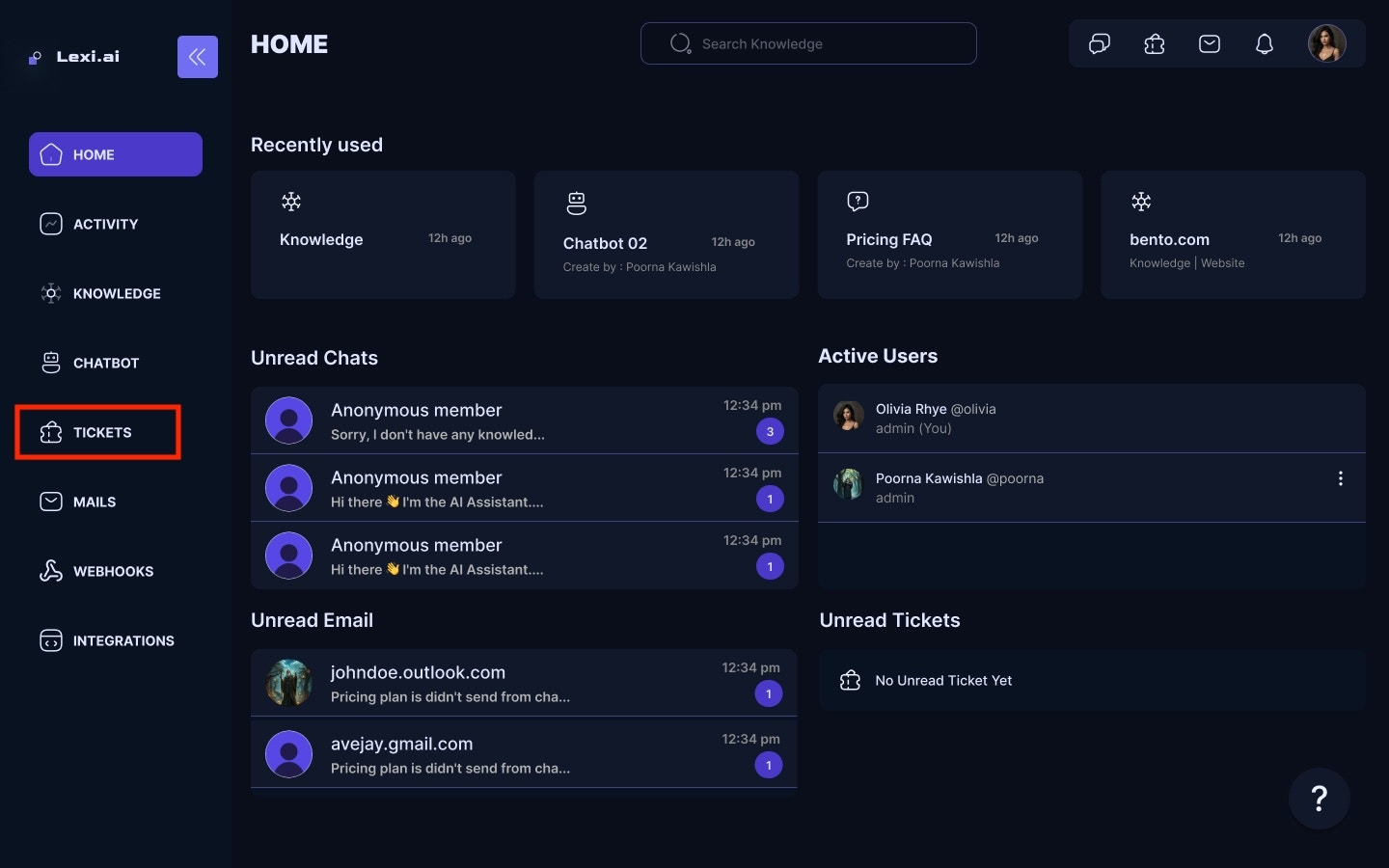
* Navigate to Ticket Forms for your Home screen.
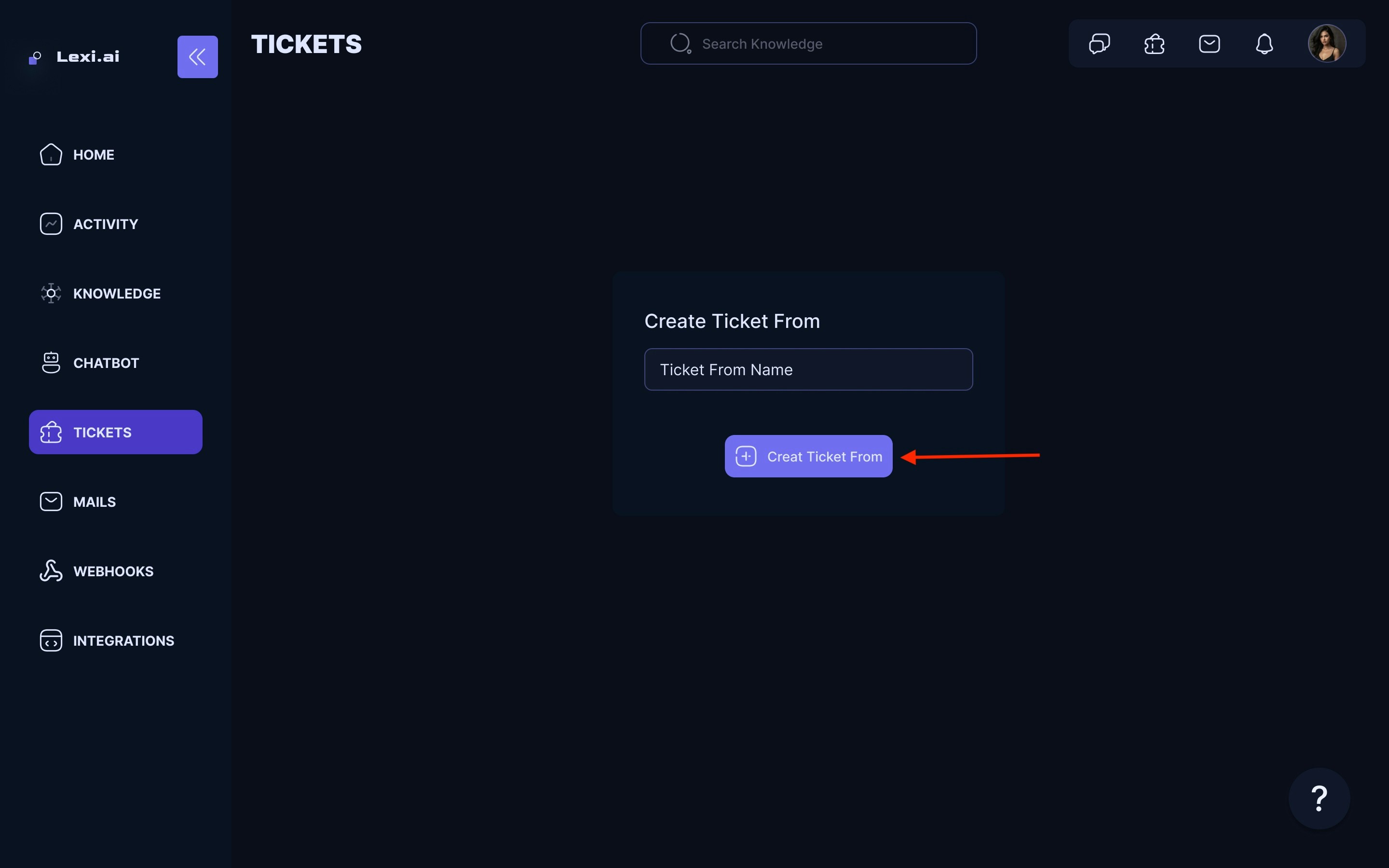
 * Click on Create New Ticket Form.
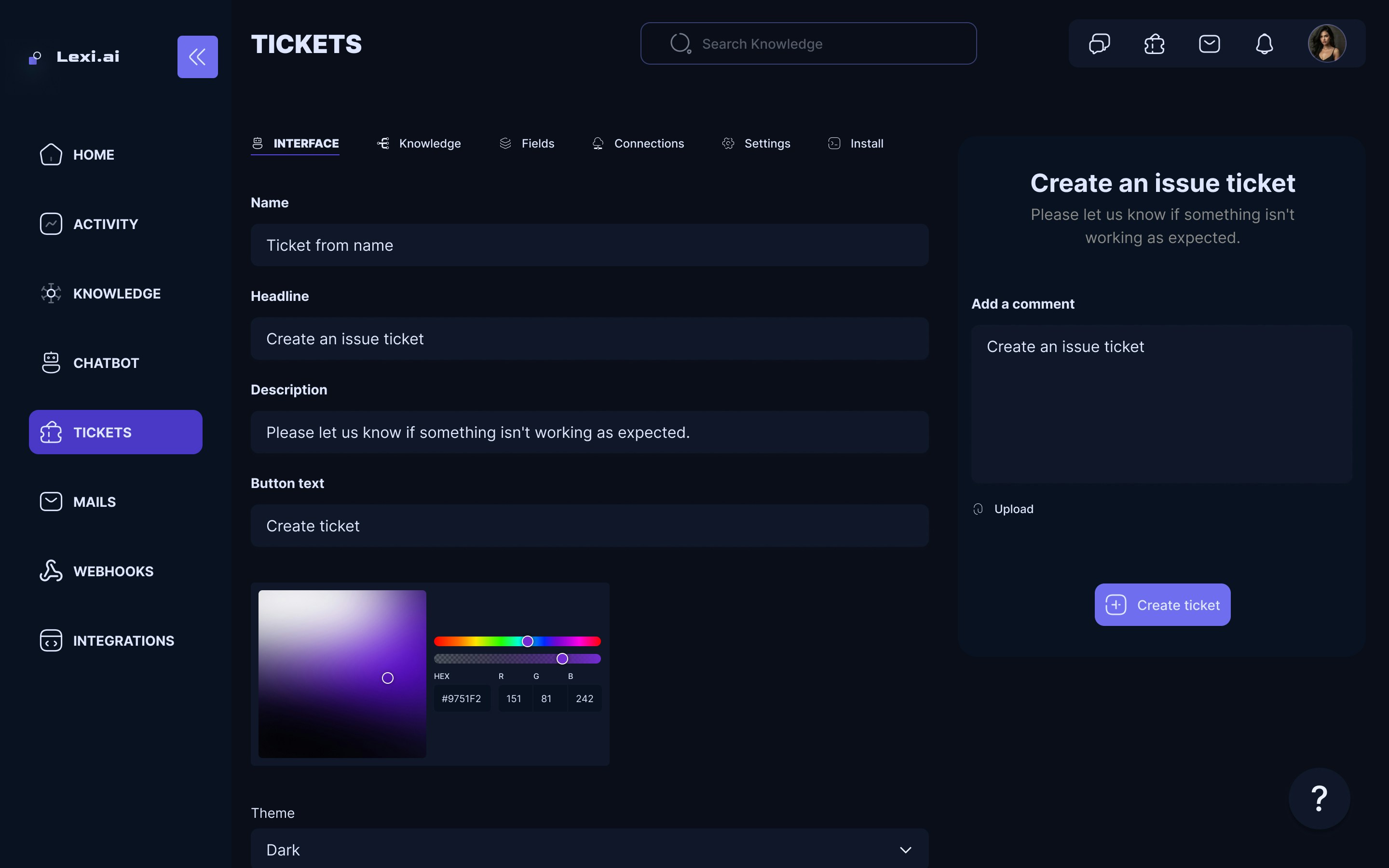
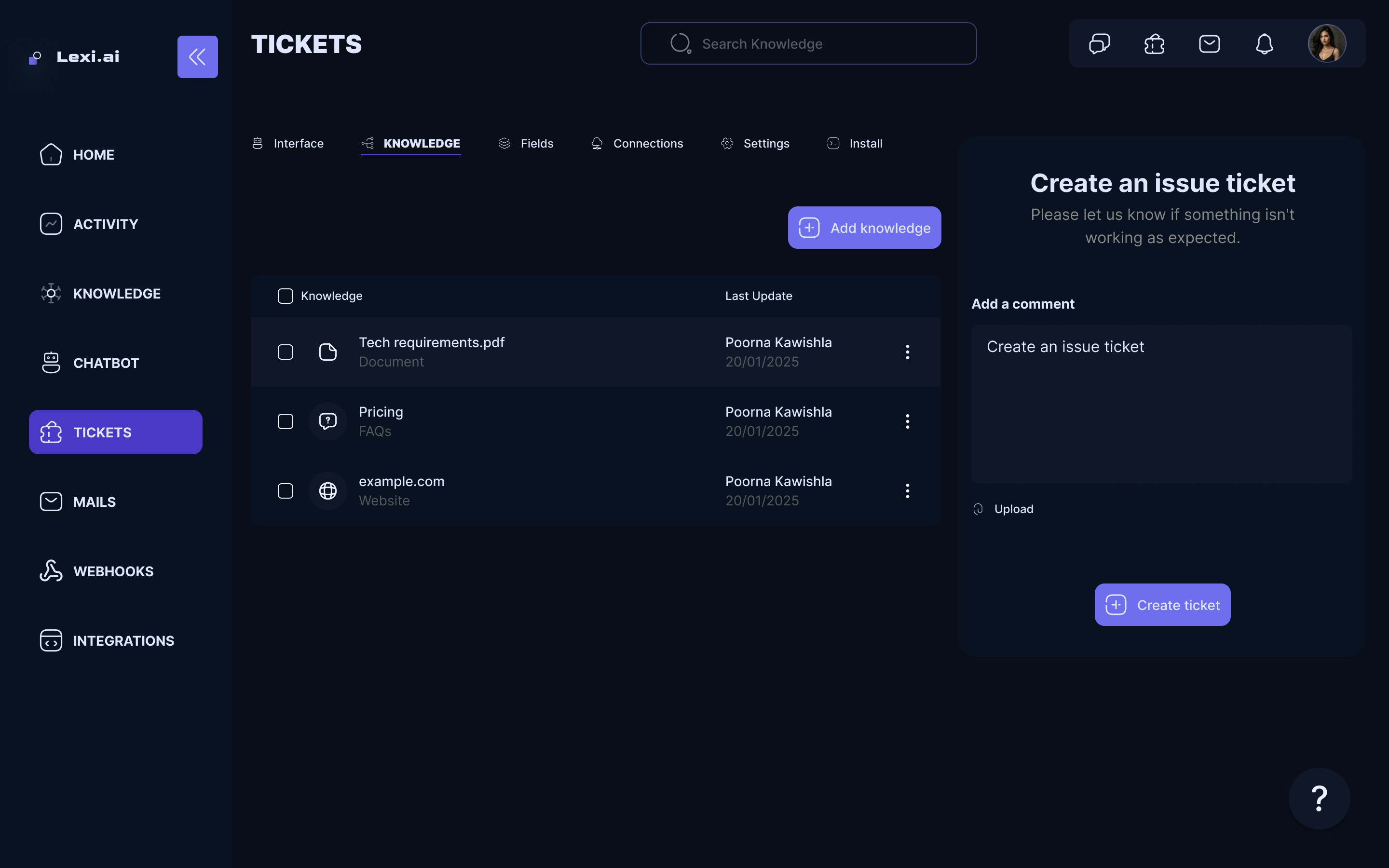
 * A new Untitled Ticket form will be created. Click on it to be directed to the configuration page of the selected ticket form.
* Use this page to configure your Ticket form. Options such as the Ticket form name, Headline, Descriptions, Button, and many more are available.
* Once you are done configuring the custom ticket form, it will be automatically saved.
* A new Untitled Ticket form will be created. Click on it to be directed to the configuration page of the selected ticket form.
* Use this page to configure your Ticket form. Options such as the Ticket form name, Headline, Descriptions, Button, and many more are available.
* Once you are done configuring the custom ticket form, it will be automatically saved.
 ## How to Connect Ticket Form to Chatbot
* Select the chatbot to which you want to add a Ticket form connection.
* On the configuration page of the chatbot, head over to the Connections tab.
* Click on Add Ticket Form under the Connections Tab.
## How to Connect Ticket Form to Chatbot
* Select the chatbot to which you want to add a Ticket form connection.
* On the configuration page of the chatbot, head over to the Connections tab.
* Click on Add Ticket Form under the Connections Tab.
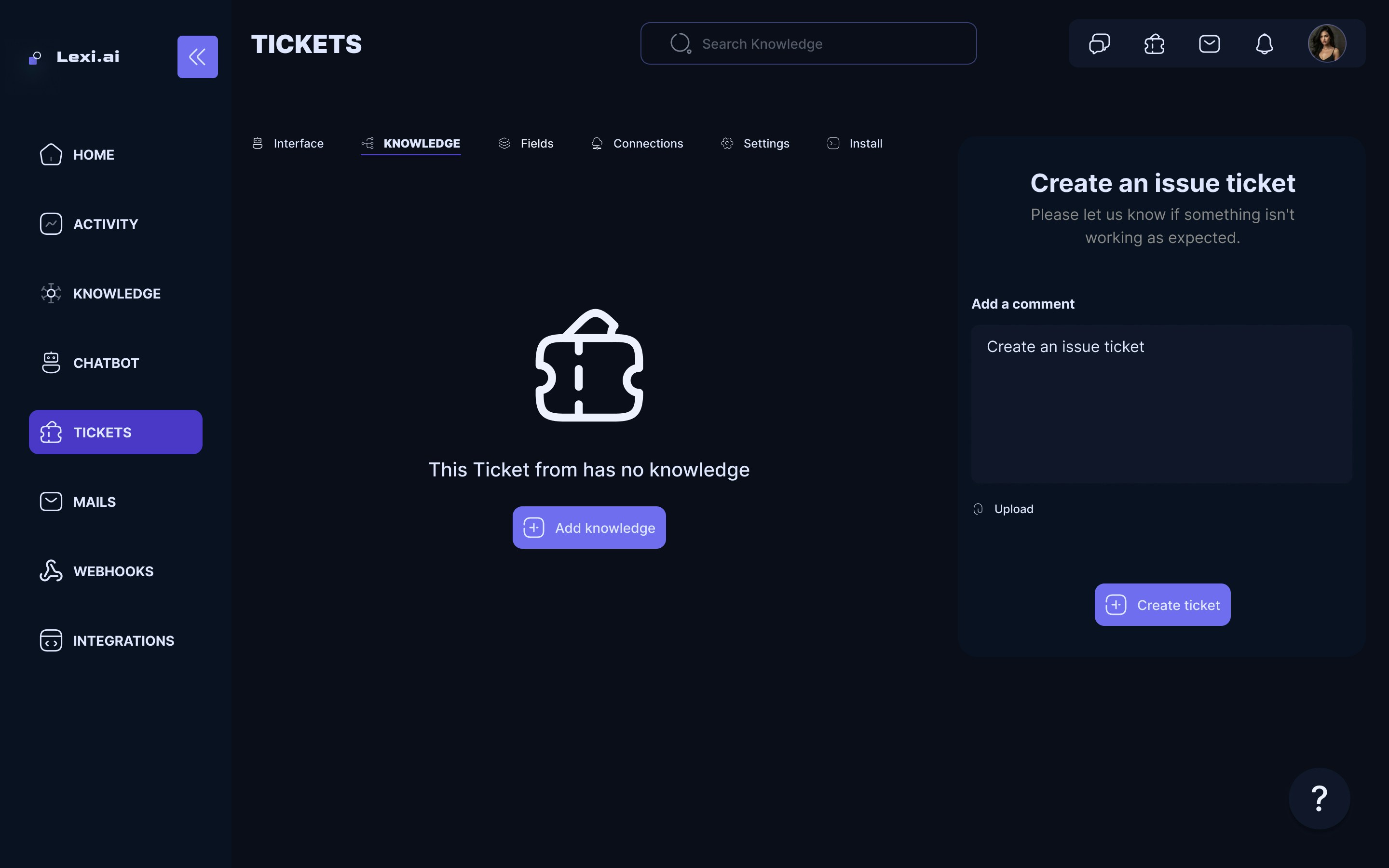
 Congrats! Your newly created Ticket Form is connected to the chatbot. 🥳